
Google Gemma
@googlegemma
https://t.co/rTAFbP4z2I
18retweets144likes
View on X Google Gemma
Google's Gemma 4 now supports variable aspect ratios and configurable image resolutions through a manual visual token budget. This allows developers to optimize for speed or detail by choosing between 70 and 1120 tokens per image.
This flexibility addresses a common bottleneck in multimodal (AI that understands text and images) performance. By allowing a configurable visual token budget, the model scales its vision from 70 to 1120 tokens. This mirrors Gemma 4's frontier reasoning, letting you prioritize speed or accuracy for complex visual data.
You can now manually set the resolution for specific images to match task requirements. A 70-token budget is ideal for fast classification, while the 1120-token maximum provides the fine-grained detail needed for document analysis. These controls are available alongside Gemma 4 training on Fireworks AI.
https://t.co/rTAFbP4z2I
Still wondering? A few quick answers below.
Every HeadsUpAI update is written based on its original source and reviewed before it's published. Read our editorial standards →
More like this
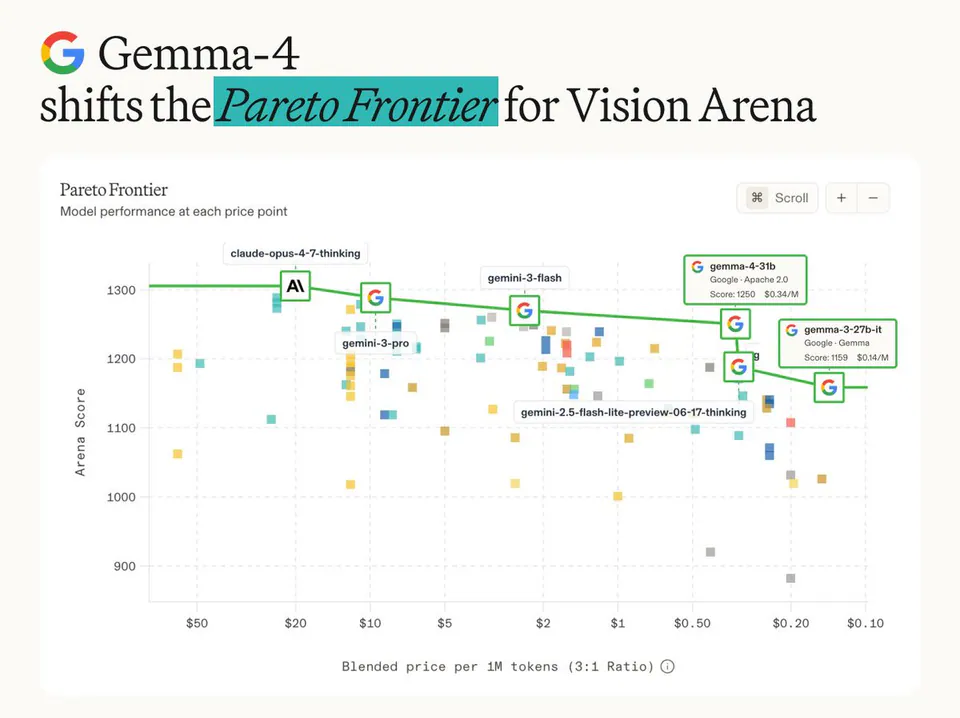
 ArenaMay 8
 GoogleJun 5
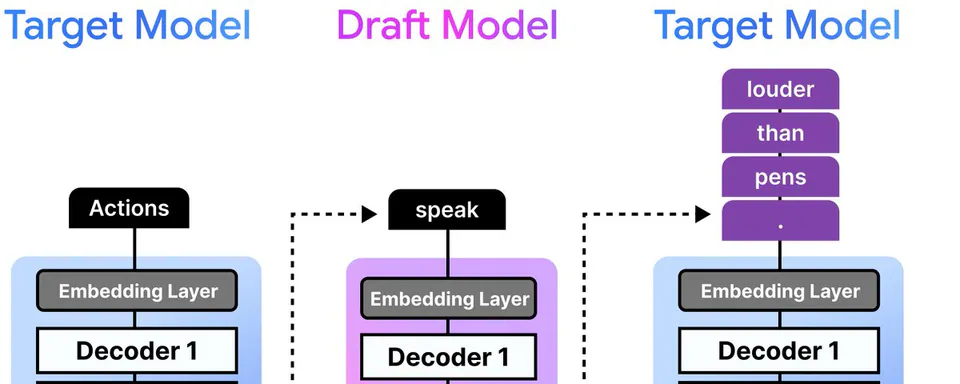 Google GemmaMay 5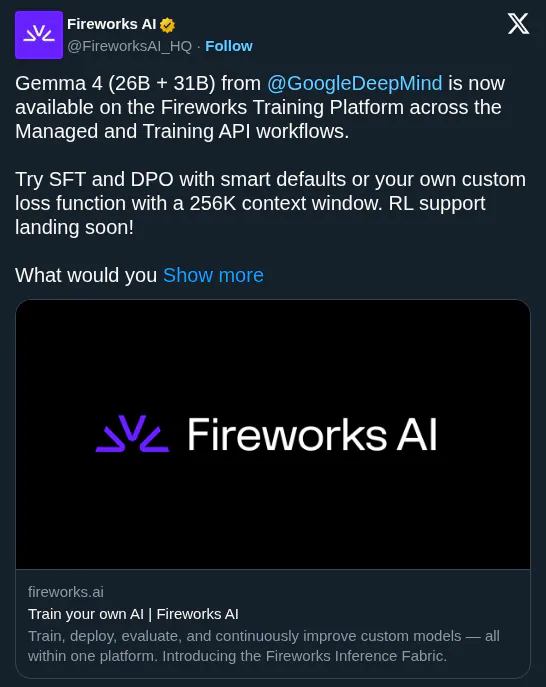
 Fireworks AIApr 28